HackerTube.runGood videos, with context.

Music Software & Bad Interface Design: Avid’s Sibelius
Tantacrul
Choose the Sibelius critique for a detailed, strongly voiced interface case. Separate observable interaction problems from stylistic preferences.
Follow the task through the interface
UX and UI videos are most useful when you can name the user’s task and the feedback needed to complete it. A beautiful screen, a fluent demo and a usable interaction are not the same result.
Tantacrul’s Sibelius review examines a concrete application through an opinionated critique. Bahram’s screen-reader demonstration provides a contrasting way to experience interfaces. Choose the critique to practice identifying friction; choose the demonstration to question assumptions about visual navigation. Then try describing one task without relying on where a button happens to appear on the screen.
Tantacrul
Choose the Sibelius critique for a detailed, strongly voiced interface case. Separate observable interaction problems from stylistic preferences.

Confreaks
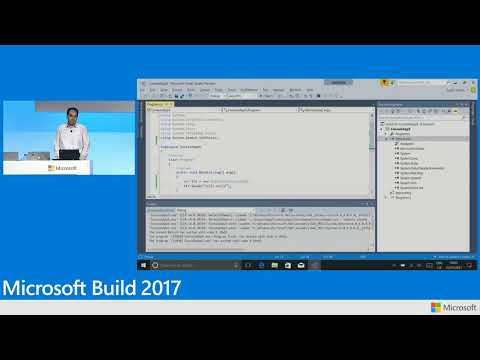
Choose Bahram’s talk to examine interaction through a screen reader and keyboard. It broadens the task model beyond a visual layout.
One reviewer’s experience is not a representative usability study, and one assistive-technology user cannot stand in for every accessibility need.
By HackerTube Run. Updated . We compared source-video titles, available uploader descriptions and the linked archive records. The choice of starting points and viewing questions is our editorial guidance. These notes do not claim full-video viewing or independent expert review.
The complete list below preserves the October 31, 2026 snapshot and its original score order. Its labels and summaries include AI-generated source material; topic membership is broader than our selected starting points. Availability and factual claims can change. Suggest a correction.
Browse the full snapshot after choosing your starting point.